What is Wealvo?
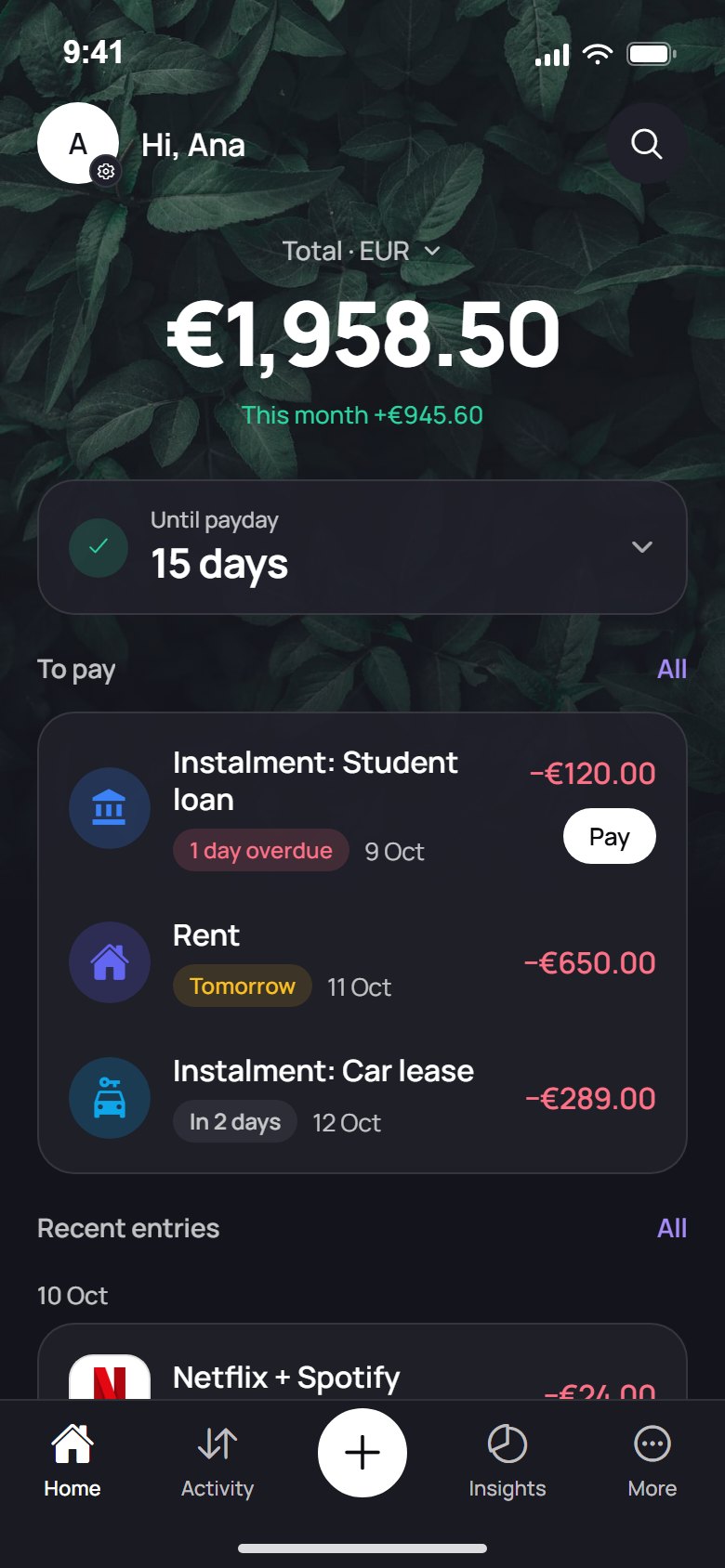
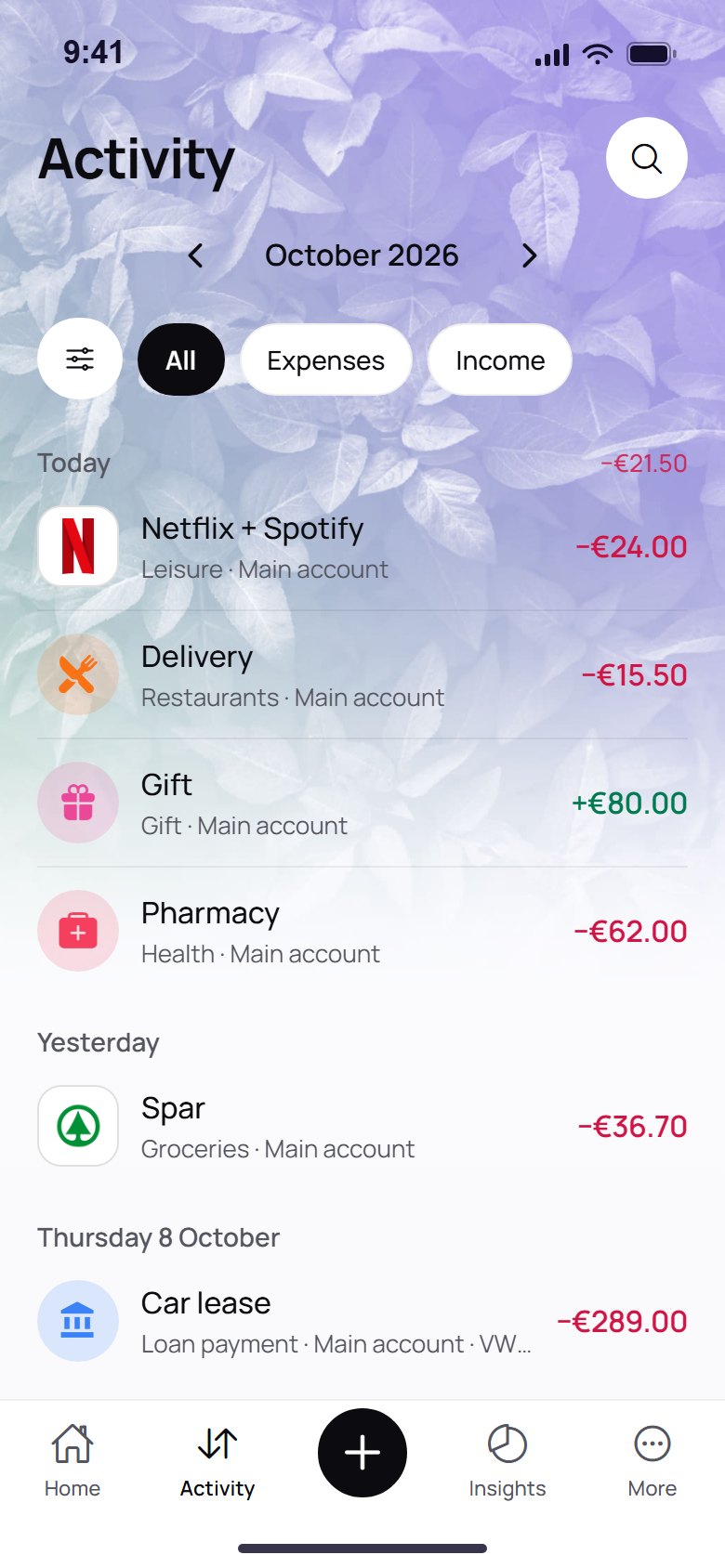
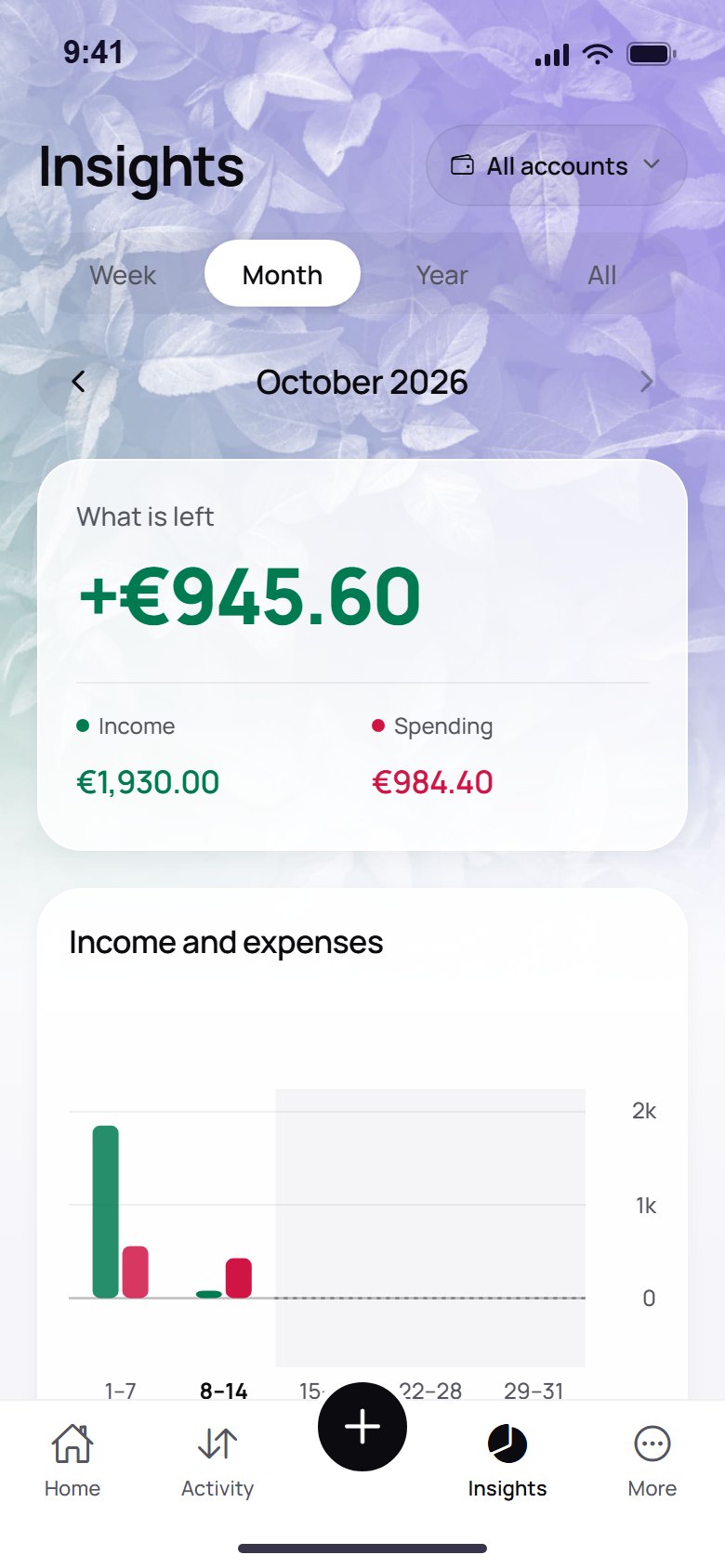
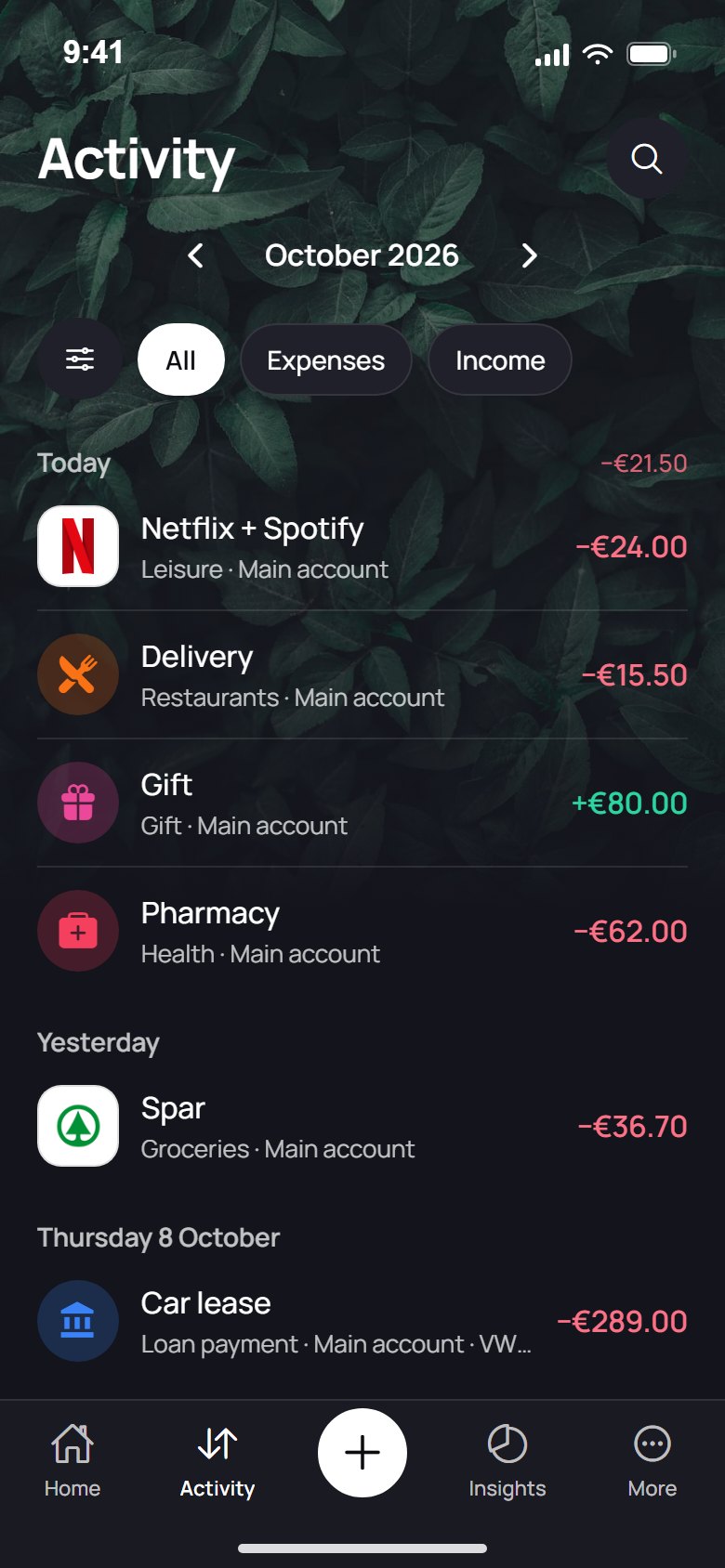
A personal money tracker for your phone. You log expenses, keep bills, subscriptions and loans in one place, and one number tells you what you can still spend until payday.
Is Wealvo a bank?
No. It doesn’t move money, hold accounts or give investment advice. It’s an overview: you still pay your bills at your bank.
Do I need to connect my bank?
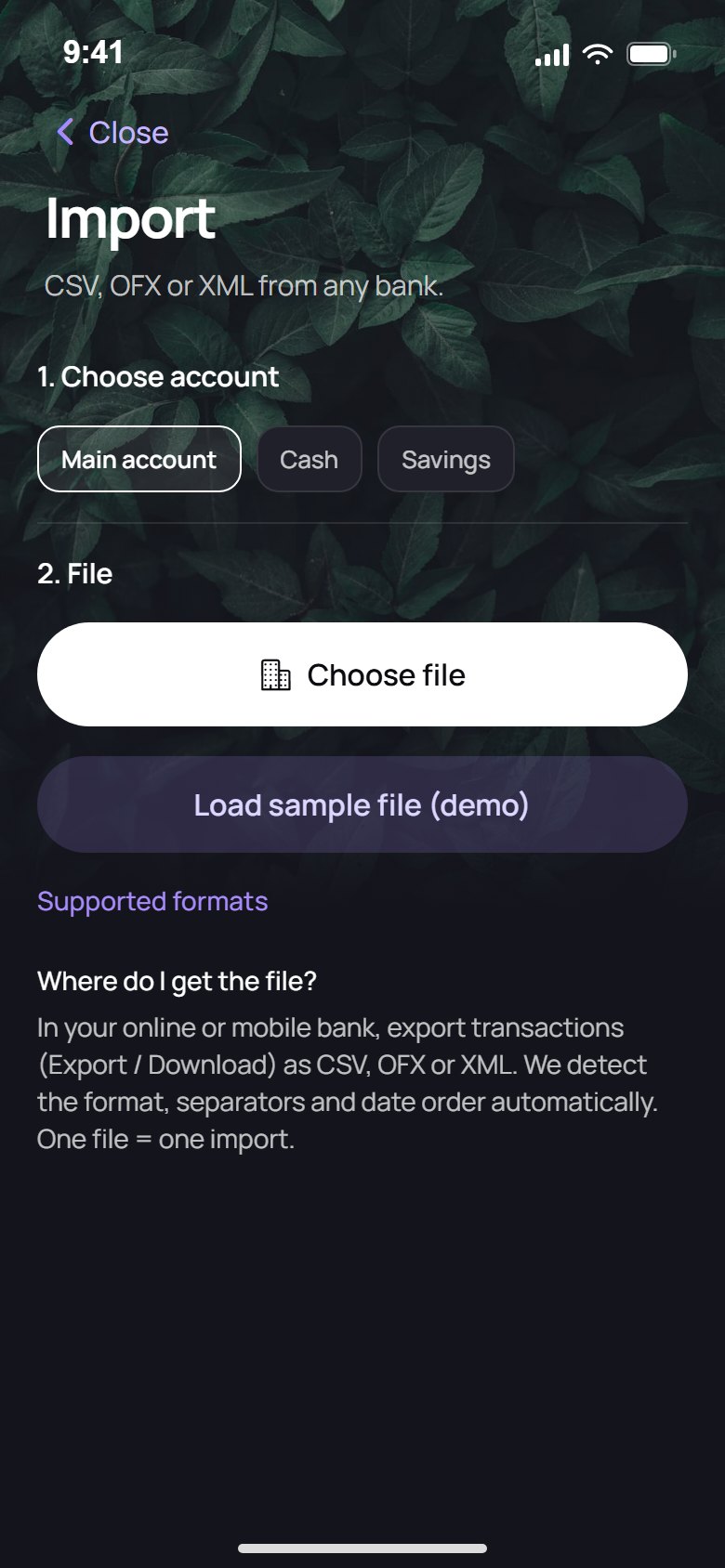
No. You add entries in a few taps or import a CSV, OFX or XML export from your bank app. Wealvo never asks for bank logins.
Who is Wealvo for?
For people and couples in Europe who want a calm, honest picture of their money without learning a spreadsheet or handing over a bank login. It works as well for one person as for a household.
Do I need an account to start?
No. Open the app, add what you have and you’re running. Signing in with Google is only needed if you want the Google Drive backup.
Is there an iPhone version?
It’s on the way. Wealvo is on Google Play today. Email info@gabix.si and we’ll let you know the day it lands on the App Store.
Which languages does it speak?
English, Slovenian and German, in the app and on this site. The app also follows your phone’s light or dark theme.
Where is my data stored?
On your phone, encrypted at rest. You don’t need a Wealvo account for your ledger, and there is no central database of your finances.
Do you see my transactions or balances?
No. Your entries stay on your device. The only things that ever travel are what you switch on yourself: an encrypted backup, an encrypted shared wallet, and a receipt photo or entry text when you ask for a scan or an AI suggestion.
Is it safe to back up or share?
Yes. The Google Drive backup and the shared wallet are encrypted on your phone before they leave it, so we can’t read them. The flip side: we can’t recover them either, so keep your backup passphrase and invites safe.
What happens when I scan a receipt or use AI?
Only after you allow it, a downsized photo or a short entry text is read by Google’s Gemini model through our server. We don’t store photos or texts, and you confirm every result. You can always type entries instead.
Can I switch AI off?
Yes. Turn AI suggestions off in Settings and nothing is sent for categories. Receipt scanning is separate and only runs when you press the scan button.
Can I lock the app?
Yes. Set a PIN, and optionally fingerprint or Face ID. The lock protects opening the app on that phone; biometric data stays in your phone’s system and never reaches us.
Can I delete my data?
Yes, any time. It lives on your phone, so you can edit, export or delete it (reset the app) whenever you like.
Do you sell my data or show ads?
No. Your ledger is not on our servers, so there is nothing for us to sell or to target ads with. Read the details in the privacy policy.
How does “available to spend” work?
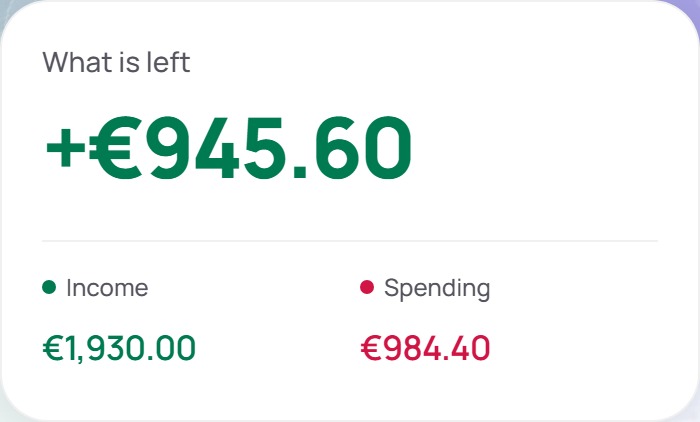
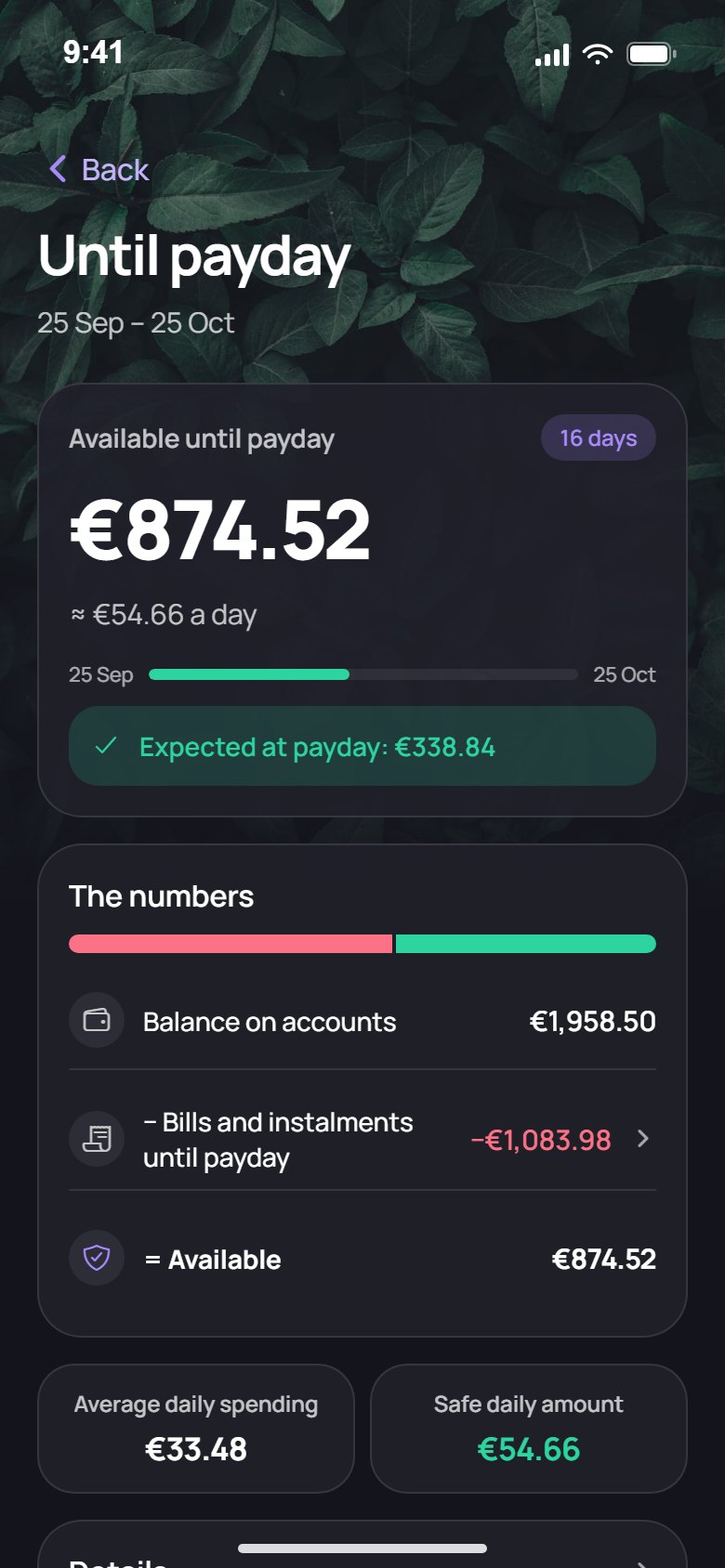
Wealvo adds up your account balances, subtracts the bills and instalments due before your next payday, and keeps a small safety buffer. What remains is what you can spend, and the app also shows it per day.
How do I add my bank transactions?
Export a CSV, OFX or XML file from your bank’s app and import it. You choose the account to import into. Free includes 3 file imports a month, Premium is unlimited.
Can I scan receipts and UPN slips?
Yes. Photograph a receipt and Wealvo reads the amount, shop and date for you to confirm. In Slovenia you can also scan a UPN QR code to pre-fill a bill.
How do bills, subscriptions and loans work?
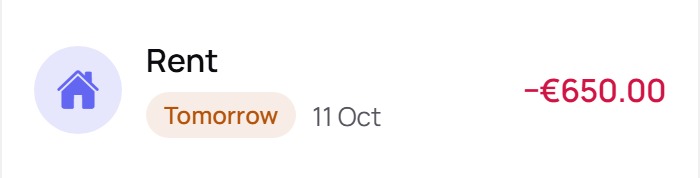
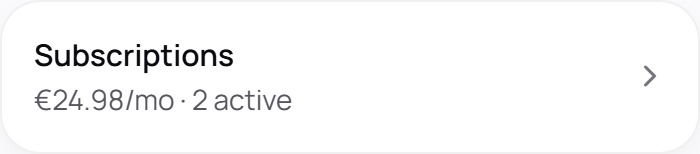
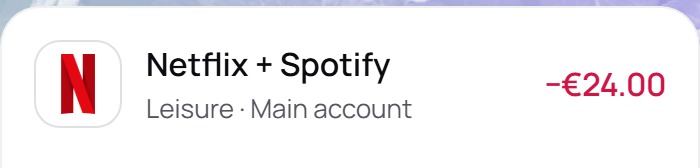
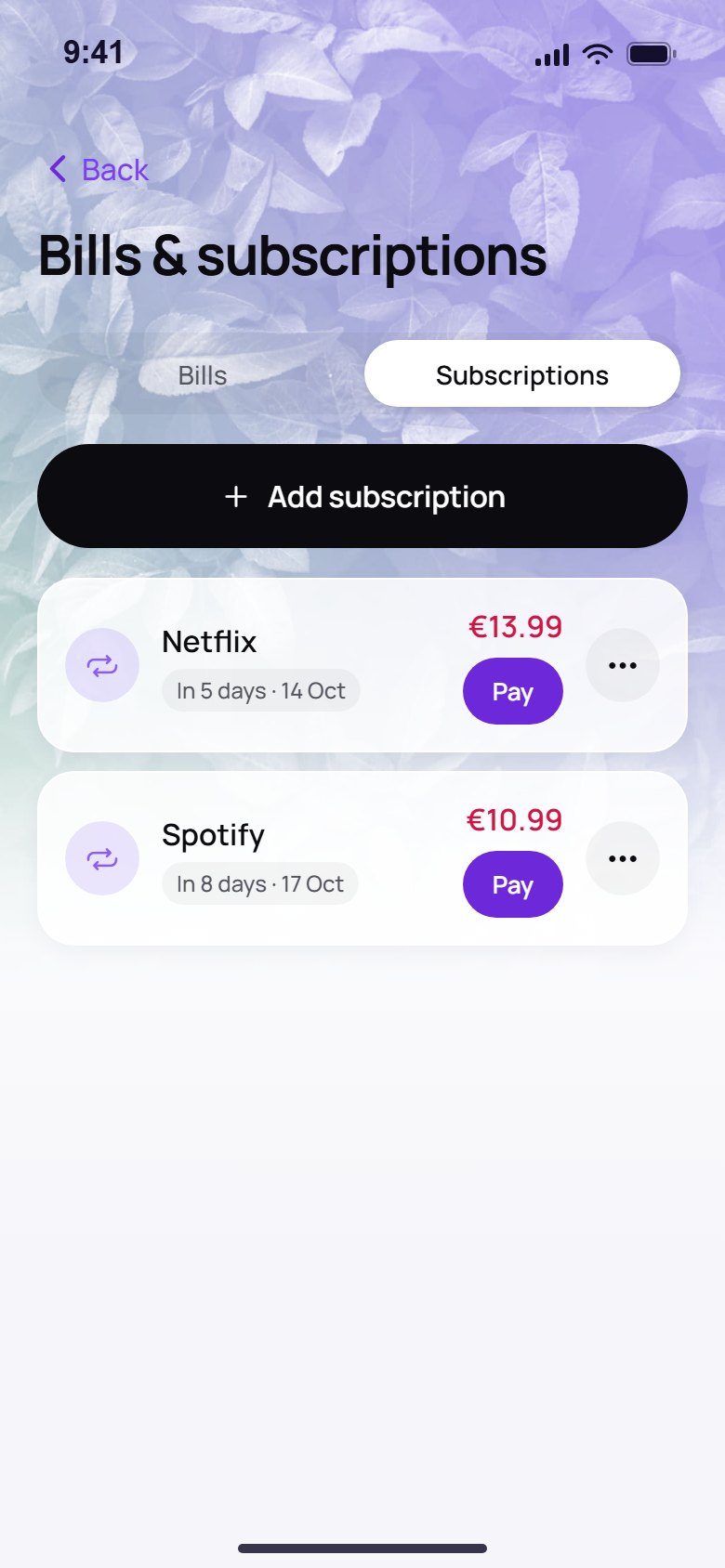
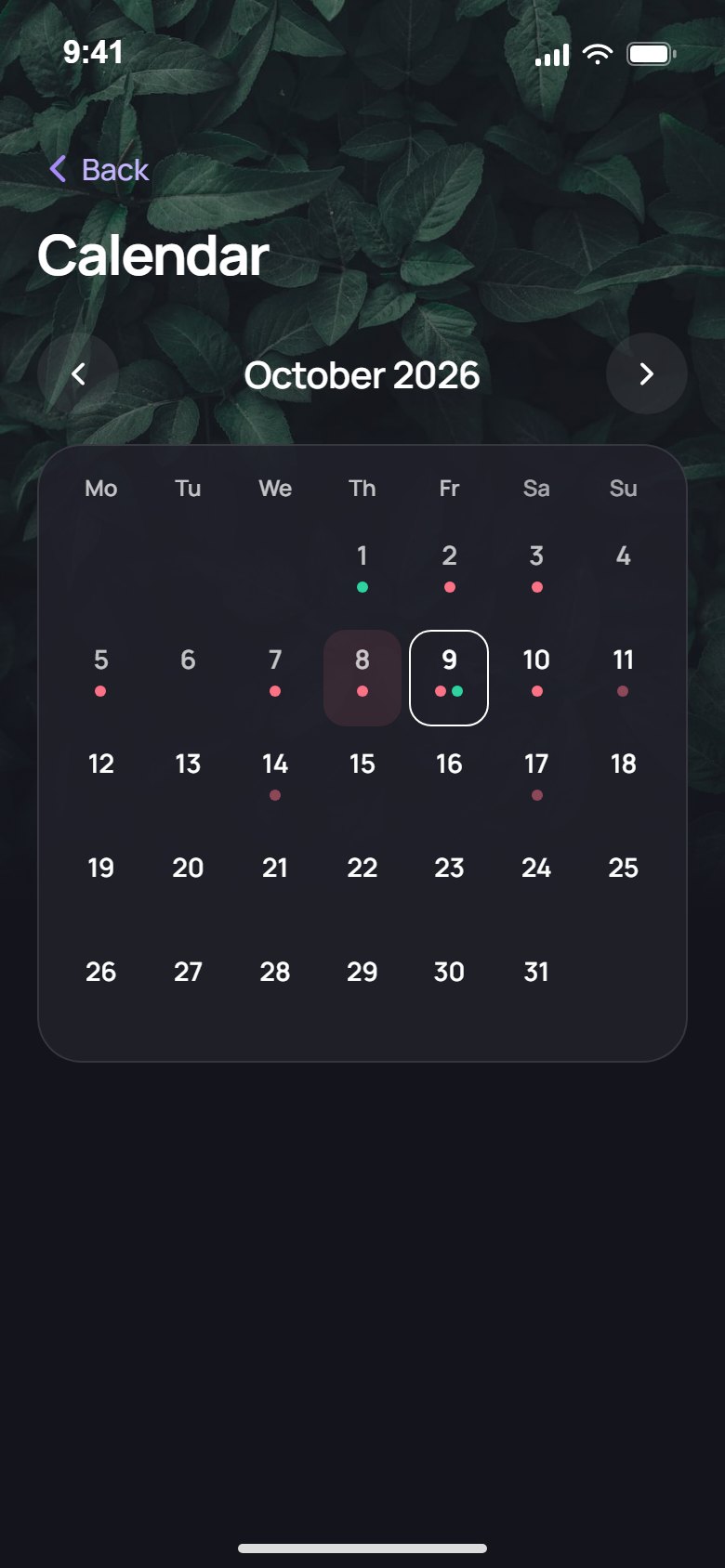
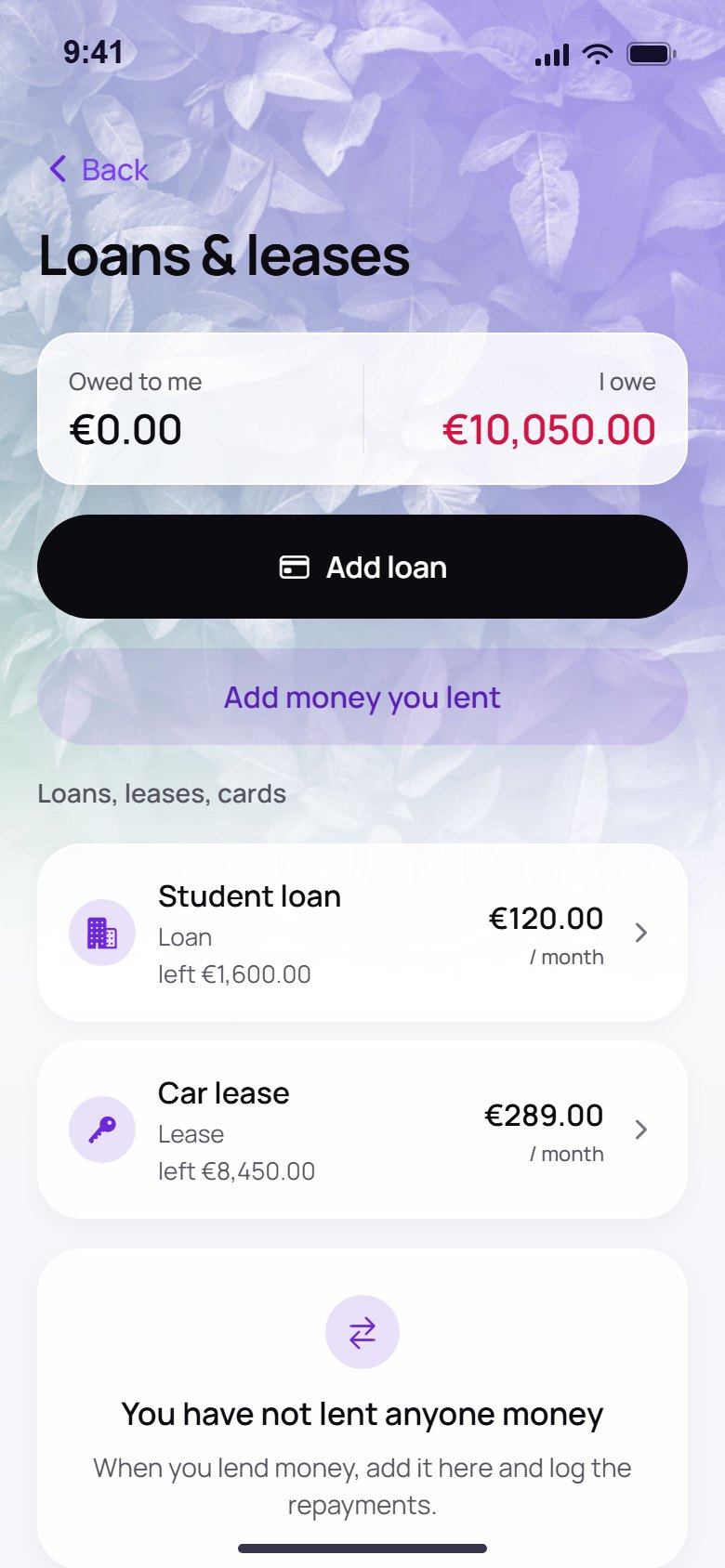
Add them once with a due date and they repeat automatically. You see the days left, mark each as paid with one tap, and loans show the remaining balance. The “what if” tool shows how an extra payment or a new rate changes the months and interest.
Can I set spending limits and goals?
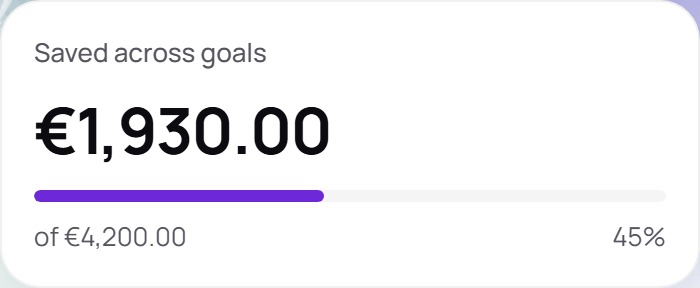
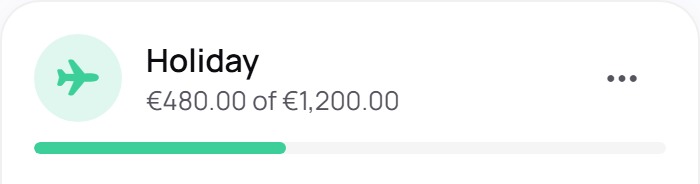
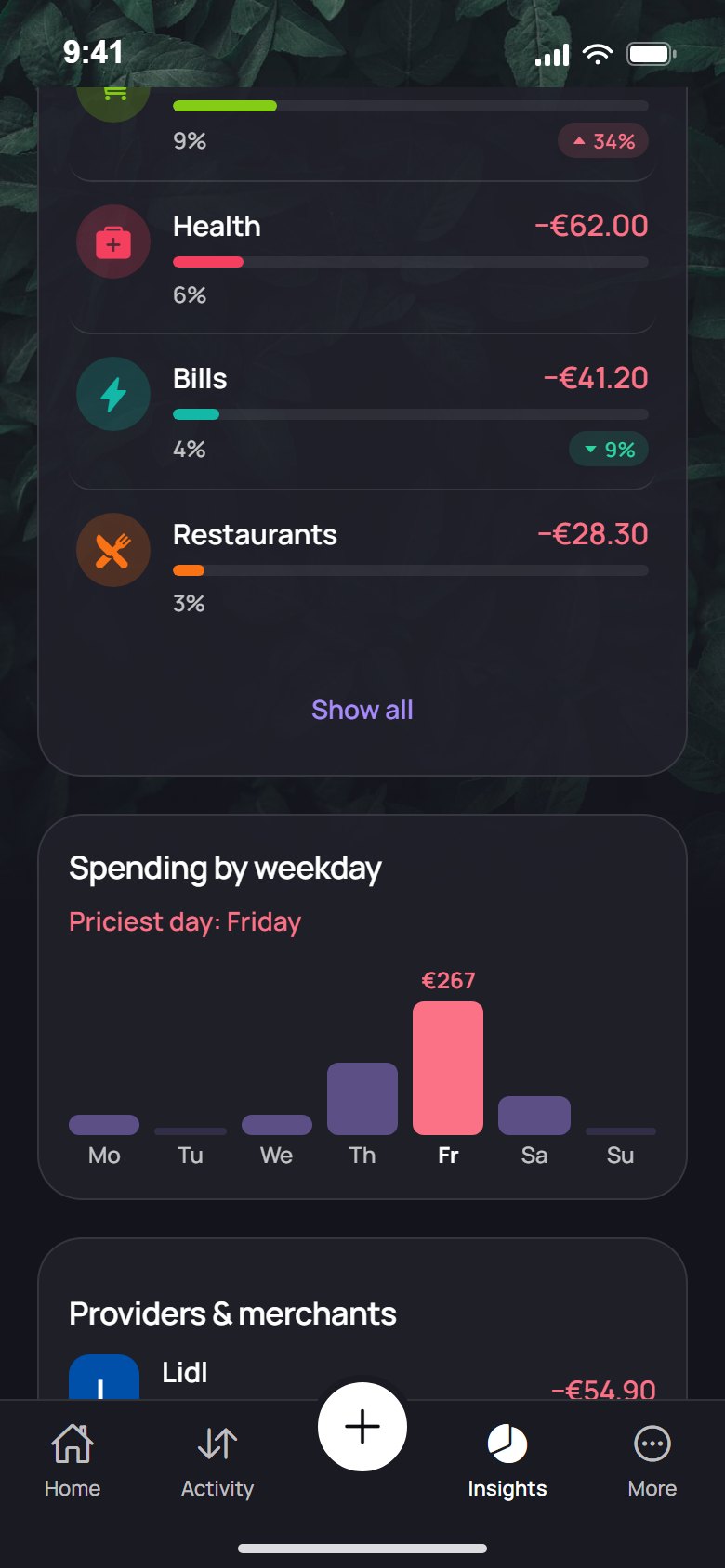
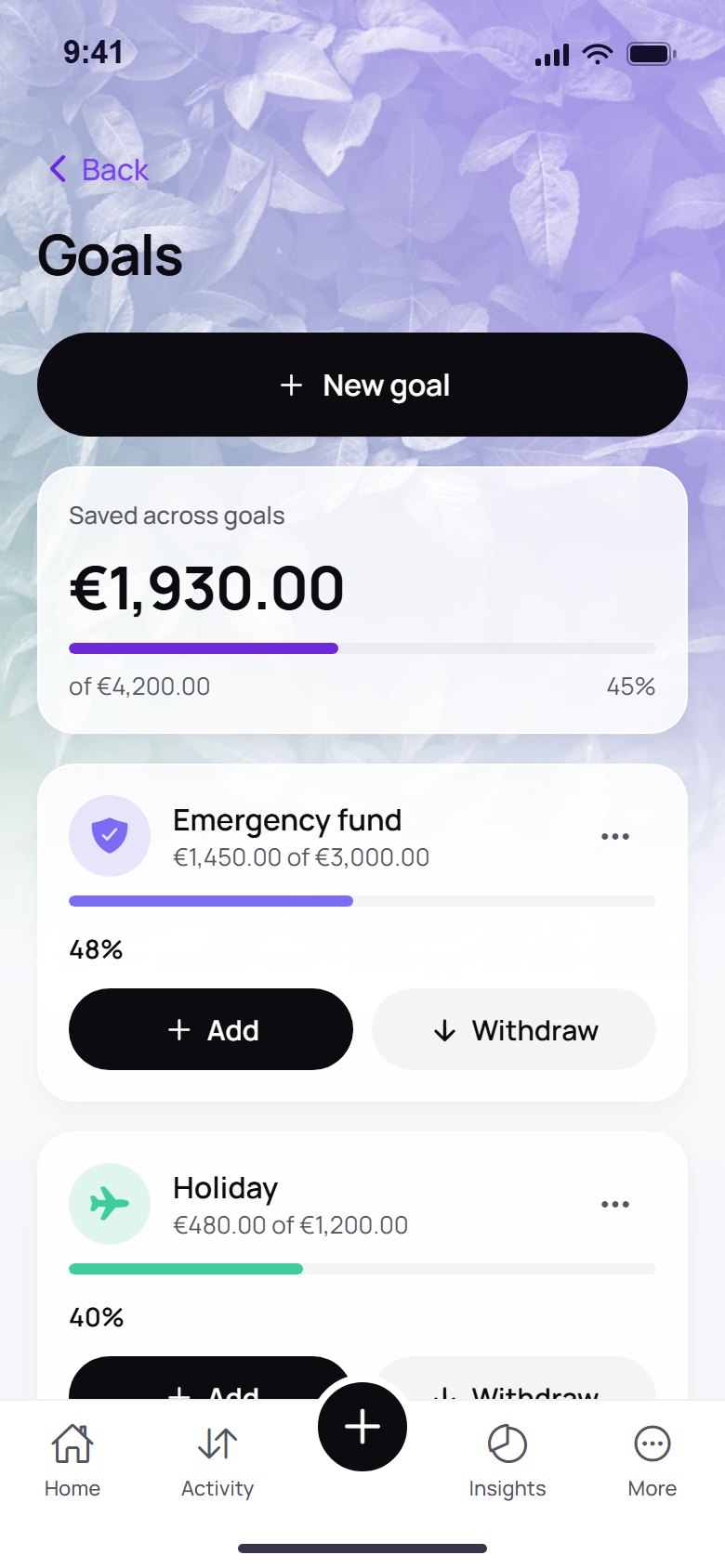
Yes. Give any category a monthly limit and watch the bar fill as you log expenses. Savings goals show your progress toward holidays, an emergency fund or anything else.
Can I track a car, property or other assets?
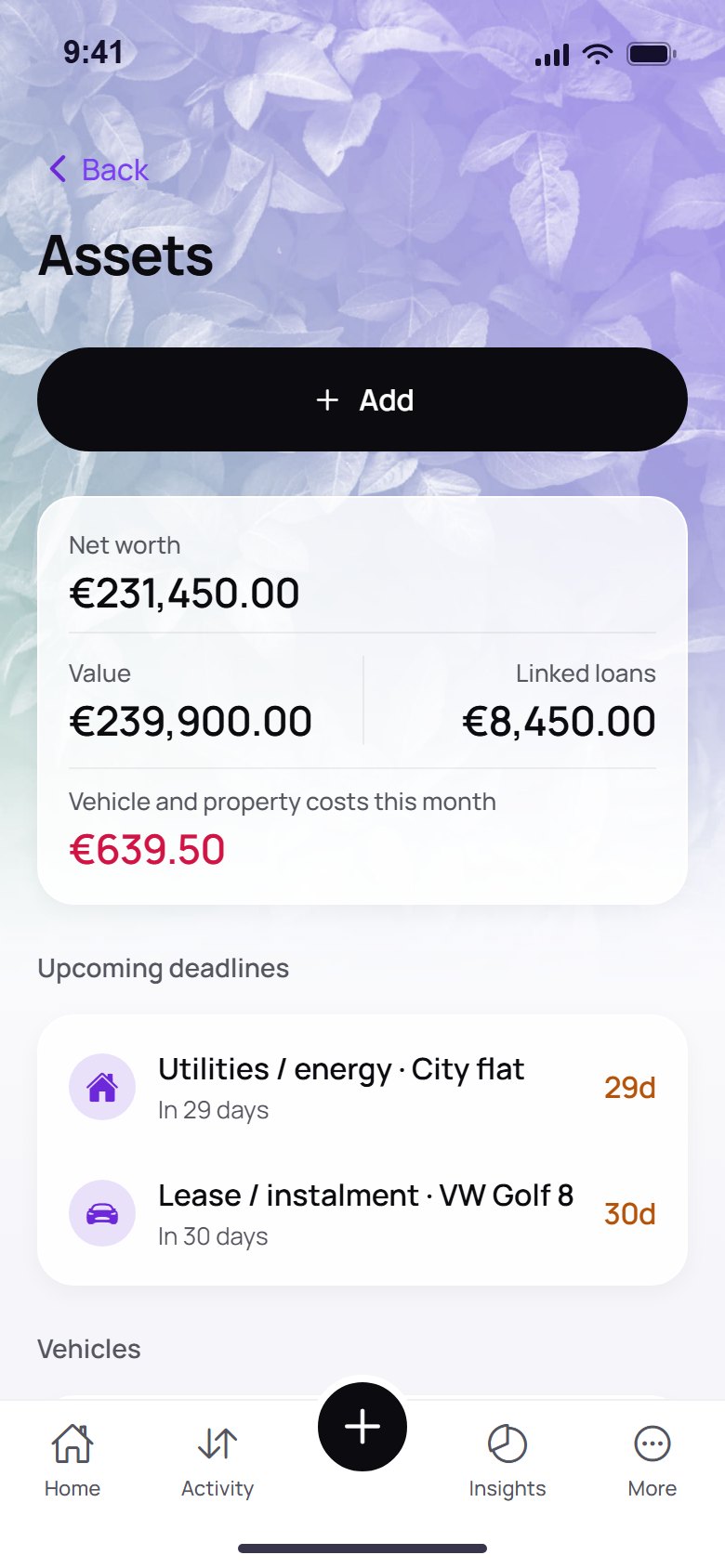
Yes. Add vehicles, property or other items, link a loan and see your net worth: value minus the loans attached to it. Each asset can also remind you of deadlines.
How does the shared wallet work?
Create a shared wallet and send the invite to your partner or flatmates. Everyone adds entries and you both see the same picture: what came in, what went out and where. Creating a shared wallet is part of Premium; joining one with an invite is free.
Can I create my own categories?
Yes. Add your own categories next to the built-in ones, and use them in entries, limits and stats.
Can I give my accountant a yearly report?
Yes. Export a spreadsheet of your entries: the current month on Free, the full year on Premium.
How do I move to a new phone?
Turn on the Google Drive backup on the old phone, then sign in with the same Google account and enter your passphrase in Wealvo on the new one. Keep that passphrase: it is the key to the backup.
Is Wealvo free?
Yes. Free covers a simple personal ledger with a few limits (for example 3 accounts and 8 bills and subscriptions). Premium removes the limits and adds the shared wallet.
What exactly is limited on Free?
3 accounts, 8 bills and subscriptions, 3 loans, 3 goals and 3 assets, 5 spending limits, 20 receipt scans, 5 UPN scans and 30 AI suggestions a month, 3 bank file imports a month, and 3 months of stats history. The full comparison is in the pricing section above.
What does Premium add?
No limits on accounts, bills, loans, goals, assets, scans and imports, 500 AI suggestions a month, your full history, a yearly review, a full-year export for your accountant and the shared household wallet.
Monthly, yearly or lifetime?
All three unlock the same Premium features. Monthly and yearly renew; lifetime is a single payment and never renews.
How much does Premium cost?
€2.99 a month, €29.99 a year (about €2.50 a month) or €60 once for lifetime. Prices include VAT and may vary slightly by country in Google Play.
Can I cancel Premium?
Yes, any time in Google Play. You keep your data and return to the Free limits.
How do I pay, and can I get a refund?
Purchases run through Google Play, with whatever payment method you already use there. We never see your card details, and refunds follow Google Play’s rules.
What happens to my data if I go back to Free?
Nothing is deleted. Everything you entered stays on your phone. You simply can’t add more beyond the Free limits until you upgrade again.